
How to Use the Blacklist Check Tool to Protect Your Email Reputation
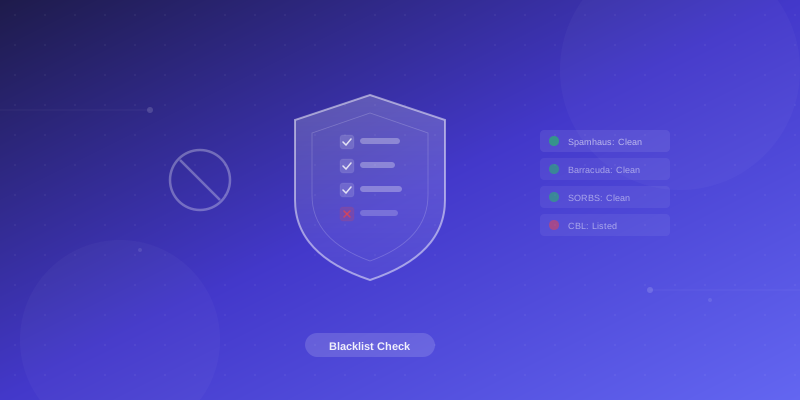
What is a Blacklist Check?
Email blacklists are databases of domains and IP addresses known for sending spam. If your domain or sending IP ends up on a blacklist, your emails will be rejected or sent straight to spam by most email providers (Gmail, Outlook, Yahoo, etc.).
How to Check
- Go to Blacklist Check Tool
- Enter your domain name (e.g.
yourdomain.com) - Click Check
- The tool checks your domain against multiple blacklist databases
What Good Results Look Like
All checks should show Not Listed. If any blacklist shows your domain as listed, you need to take action.
What to Do If You Are Blacklisted
- Identify the cause: Blacklisting usually happens because of spam complaints, compromised accounts, or missing DNS records
- Fix the root cause first:
- Check your SPF record: SPF Lookup
- Check your DKIM record: DKIM Lookup
- Ensure you have a DMARC record
- Change passwords on any compromised email accounts
- Request delisting: Each blacklist has its own removal process. Visit the blacklist website and follow their delisting instructions.
- Contact support: If you are unable to resolve the issue, open a support ticket and our team will help.
How to Prevent Getting Blacklisted
- Always set up SPF, DKIM, and DMARC records
- Do not send unsolicited bulk emails
- Use strong passwords for all email accounts
- Monitor your sending reputation regularly
- Remove invalid email addresses from your mailing lists